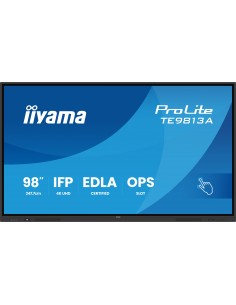
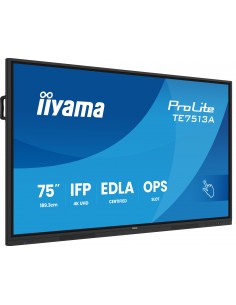
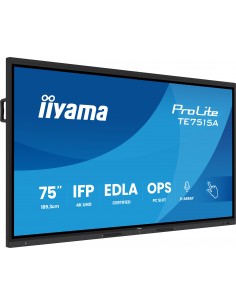
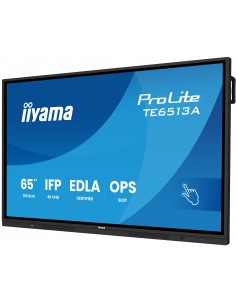
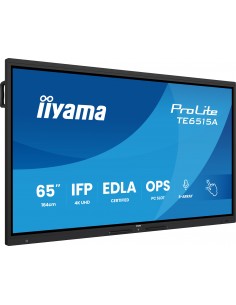
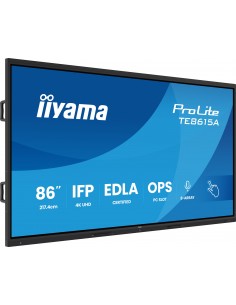
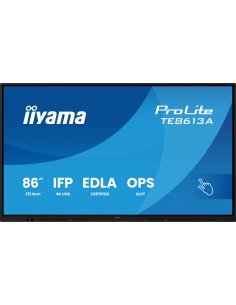
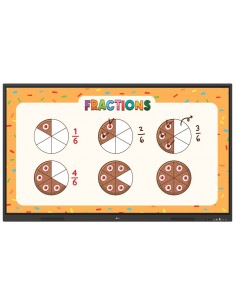
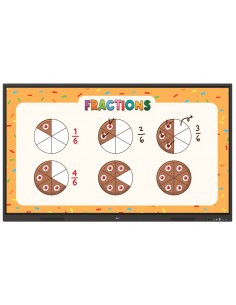
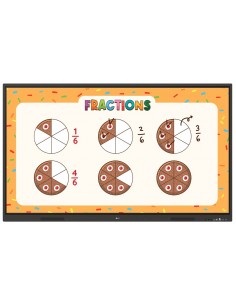
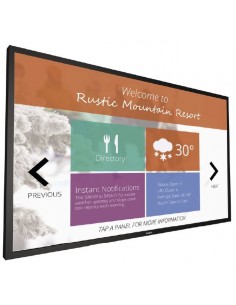
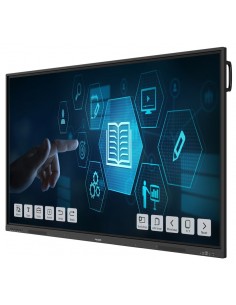
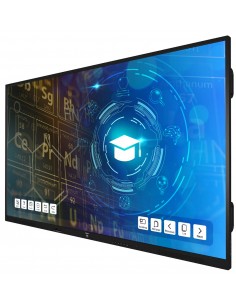
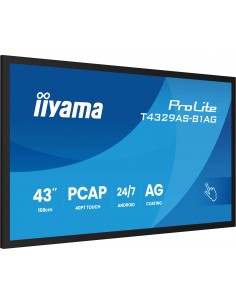
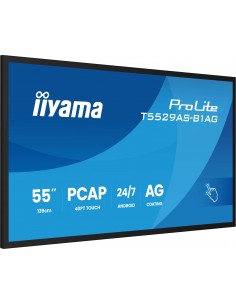
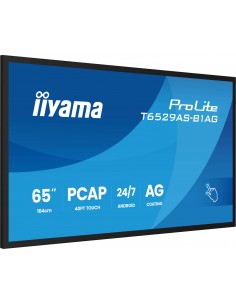
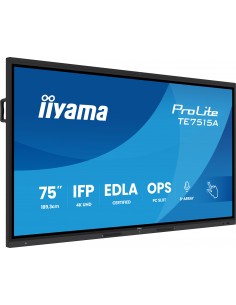
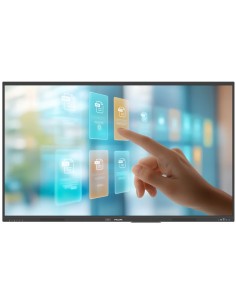
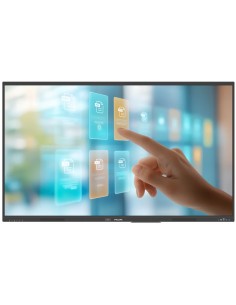
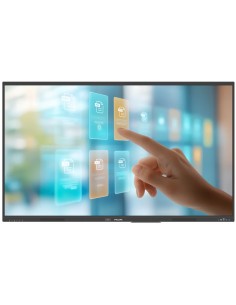
Interactive Flat Panel Displays brings together large-format touch displays for collaboration, education and direct interaction with digital content. In the AG Multivision catalogue, this category includes interactive displays for education and collaboration in different sizes and configurations. These solutions are suitable for classrooms, universities, meeting rooms, corporate training, brainstorming sessions and hybrid environments. The aim is not to choose a single product in isolation, but to combine display and interaction on one surface, reducing the need to use a separate whiteboard, projector and input devices. For this reason, when selecting a solution it is useful to consider screen size, resolution, touch technology and number of touch points, operating system or PC slot, connectivity, brightness, integrated webcam or audio and mounting requirements.
What solutions are available in this category? The selection is designed for professional applications and includes the main options needed to build or complete the system: interactive displays for education and collaboration in different sizes and configurations. The choice should therefore be based on the required function, the installation environment and the equipment the product needs to interface with.
How do you choose the most suitable solution? Before purchasing, it is advisable to check screen size, resolution, touch technology and number of touch points, operating system or PC slot, connectivity, brightness, integrated webcam or audio and mounting requirements. In a ProAV project, compatibility between components, cabling, the network, mounting systems and display devices is often just as important as the individual technical specification.
Which categories can help complete the project? To explore complementary components, you can browse wireless presentation devices, technical furniture for displays and large-format display mounts. These links help move from a single device to a complete solution that is consistent with the intended environment.

 Italiano